

Related Products

Blink Video Doorbell + Outdoor 4 – Wireless smart security cameras, head-to-toe HD view, two-year battery life. Sync Module Core included – 3 camera system + Video Doorbell




Price: $1,259.99
(as of Sep 13, 2026 10:56:59 UTC – Details)
Product description
 RLK16-800D8 Home Security Camera System Make Security Easier with No Compromise
Reolink Smart Ultra-HD 4K Security Camera System with Person & Vehicle Detection
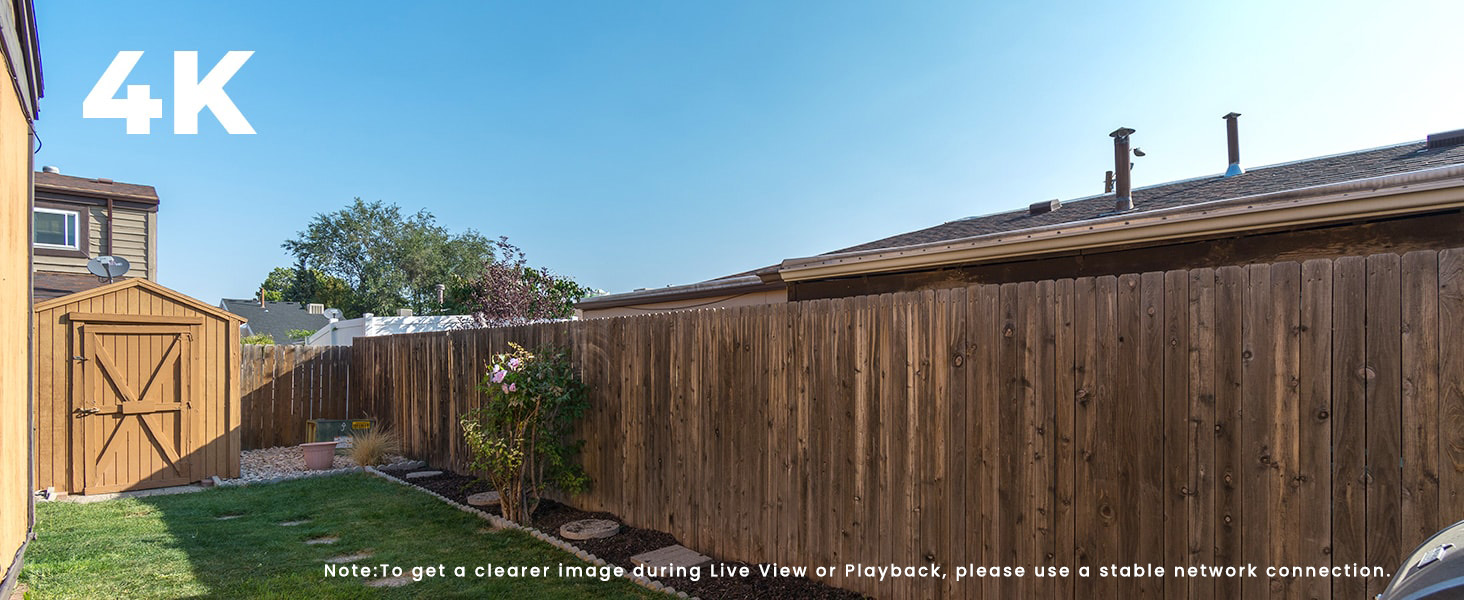 Great Details in 4K Ultra HD, Peaceful 24/7
4K Ultra HD captures sharp details day & night. Reliable NVR + Reolink App lets you check anytime.
 Detect Smartly, Alarm Instantly
Smartly detect person/vehicle/animal movements and alert you the danger instantly in multiple ways.
 Remotely View Cameras and Share with Friends
Support max.12 devices to live stream simultaneously (2 mainstreams & 10 substreams) on App/Client.
1 4K Ultra HD
2 Smart Detection
3 Multi-Users Acess





Reolink Smart 4K PoE Surveillance Camera System Specifications
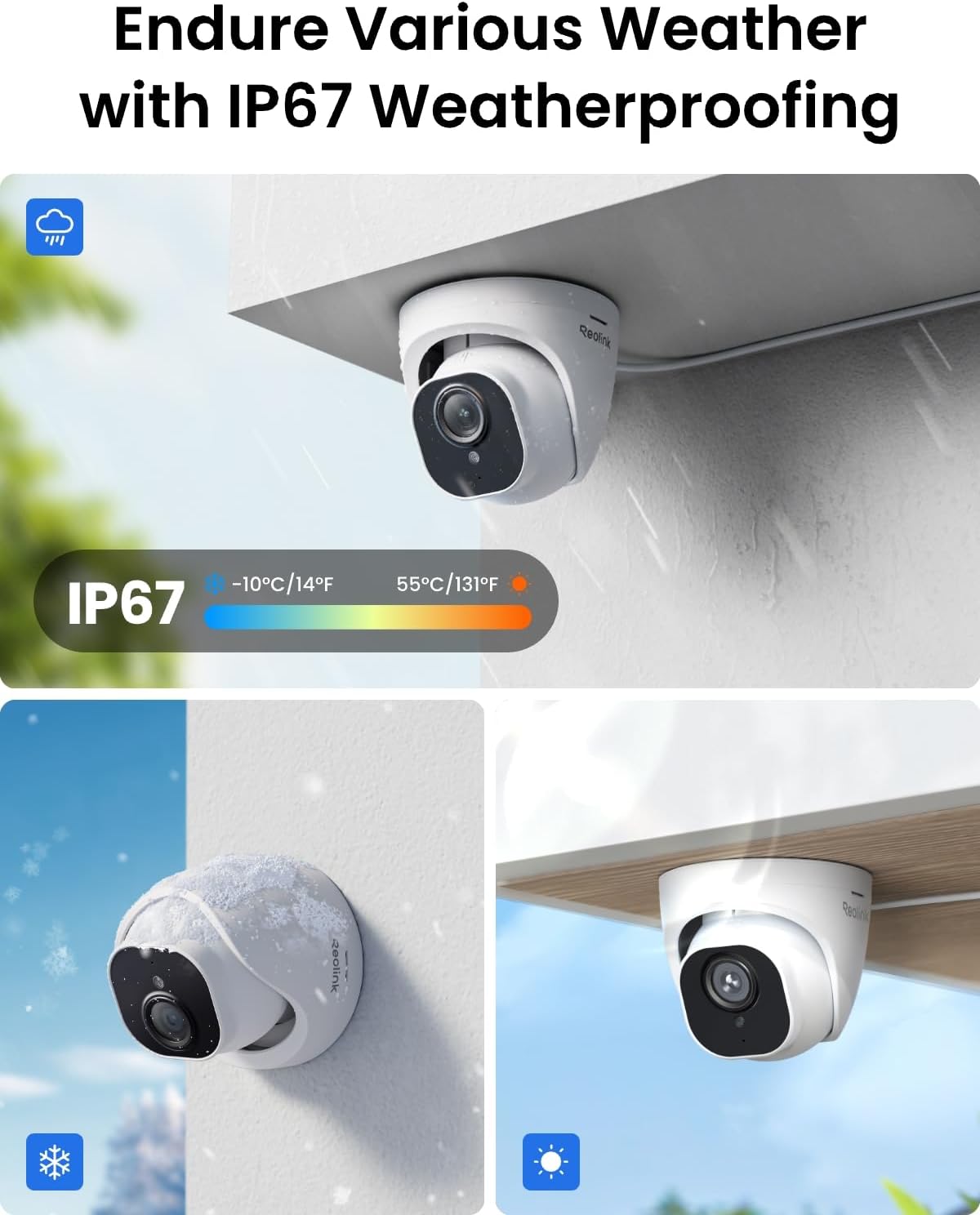
NVR Smart PoE Video Recorder RLN16-410 Video Outputs HDMI supports up to 8MP (4K) output, and VGA up to 1080P. The NVR supports cameras up to 16MP, but output quality also depends on your display and stream settings. Synchronous Playback 1CH@8MP; 4CH@4MP Frame Rate 20fps Compression Format H.265 HDD Capacity 1× internal port, 1× external port, 8TB max for each port(16TB in total) Remote Access iOS/Android Phone, Windows/Mac PC Working Temperature -10°C +45°C (14°-113°F) Camera Waterproof IP67 Video Resolution 3840×2160 (8.0 Megapixels) @20FPS Lens f=4.0 mm fixed; F=2.0, with IR-cut filter Night Vision 100ft, 18pcs IR LEDs Built-in Microphone Supported Field of View Horizontal: 87°; Vertical: 44° Notice Cameras in the kit can only be used with Reolink PoE NVR. Cameras in the kit cannot work with Smart Home devices such as Alexa. Reolink PoE IP Camera support T-568B connectors and CAT5, CAT6, and CAT7 with 8 PIN Ethernet cables.
Explore More to Build Your Personalized PoE Security Camera System!
Add to Cart
Add to Cart
Add to Cart
Add to Cart
Add to Cart
Add to Cart
Add to Cart
Customer Reviews
4.4 out of 5 stars 1,147
4.4 out of 5 stars 1,379
4.4 out of 5 stars 1,579
4.4 out of 5 stars 352
4.4 out of 5 stars 914
4.3 out of 5 stars 139
4.5 out of 5 stars 77
Price
$1,259.99$1,259.99
$969.99$969.99
$1,259.99$1,259.99
$1,199.99$1,199.99
$889.99$889.99
$279.99$279.99
$54.99$54.99
AI Video Search
✘
✘
✘
✘
✘
✔
✘
Resolution
8MP(3840X2160)@25FPS
5MP(2560×1920)@25FPS
8MP(3840X2160)@25FPS
12MP(4512×2512)@20FPS
8MP(3840X2160)@25FPS
16MP(7680×2160)@20FPS
Apply for PoE security system
Field of view
H:87° V:44°
H:80° V:48°
H:87° V:44°
H:97° V:50.6° D:120°
H:87° V:44°
H:180° V:55°
All Reolink PoE&NVR Compatible
Storage Way
Built-in 4TB HDD
Built-in 4TB HDD
Built-in 4TB HDD
Built-in 4TB HDD
Built-in 2TB HDD
MicroSD Card
IEEE802.3af/lEEE802.3at
Storage Capacity
8TB HDD max Each, 16TB Total
8TB HDD max Each, 16TB Total
8TB HDD max Each, 16TB Total
8TB HDD max Each, 16TB Total
8TB HDD max Each, 16TB Total
Not included, up to 512GB
65W 52V/1.25A
Spotlight
N/A
N/A
N/A
1pcs/4.3W/6500k
N/A
17W/3000k~6500k
Max PoE Power Per Port 30W
Two way Talk
✘
✘
✘
✔
✘
✔
✘
RTSP/ONVIF
✘
✘
✘
✘
✘
✔
✘
How do I properly connect my camera, NVR, and router for Reolink systems?
One method is to connect the camera directly to the NVR via Ethernet (PoE), then connect the NVR to the router using another Ethernet cable.
Why is the image not clear or not showing in 4K?
Make sure the stream is set to “Clear” mode and the bitrate is high. Viewing on a 4K display also ensures better clarity. Check your network for smooth, high-resolution playback.
How can I troubleshoot if my PoE camera fails to connect or be added to the Reolink NVR?
Test network cables and NVR ports with known working ones. Ensure camera limits per NVR model are not exceeded. For PoE cameras, try direct NVR connection. If problems persist, reset devices and test again.
Should I update my Reolink device and app to the latest version?
Yes. Keeping your Reolink device firmware and app updated ensures better stability and performance. Firmware updates fix device-level bugs and improve stability, while app updates enhance performance and user experience.
What should I do if I encounter problems about my Reolink devices?
If you experience issues, don’t worry—try basic troubleshooting like checking cables and resetting devices first. If problems persist, contact Reolink Support with your device details and steps taken. We’re here to help you every step of the way.
Stunning True 4K Ultra HD Clarity – Capture every detail with 8MP (3840×2160) resolution—four times the clarity of 1080p. Ensure smooth, vivid footage with adjustable high bitrate and Clear Stream mode. Even when zooming in, you’ll enjoy crisp, distortion-free images.(Tip: For best results, use a 4K display and enable “Clear” stream in settings.)
Person/Vehicle Detection – Smart PoE IP cameras can identify people and vehicles in terms of their shapes, minimizing unwanted alerts such as animals or shadows. Cameras can also be configured to specify the type of detection when sending alerts to you. Know what happened simply by glancing at the lock screen.
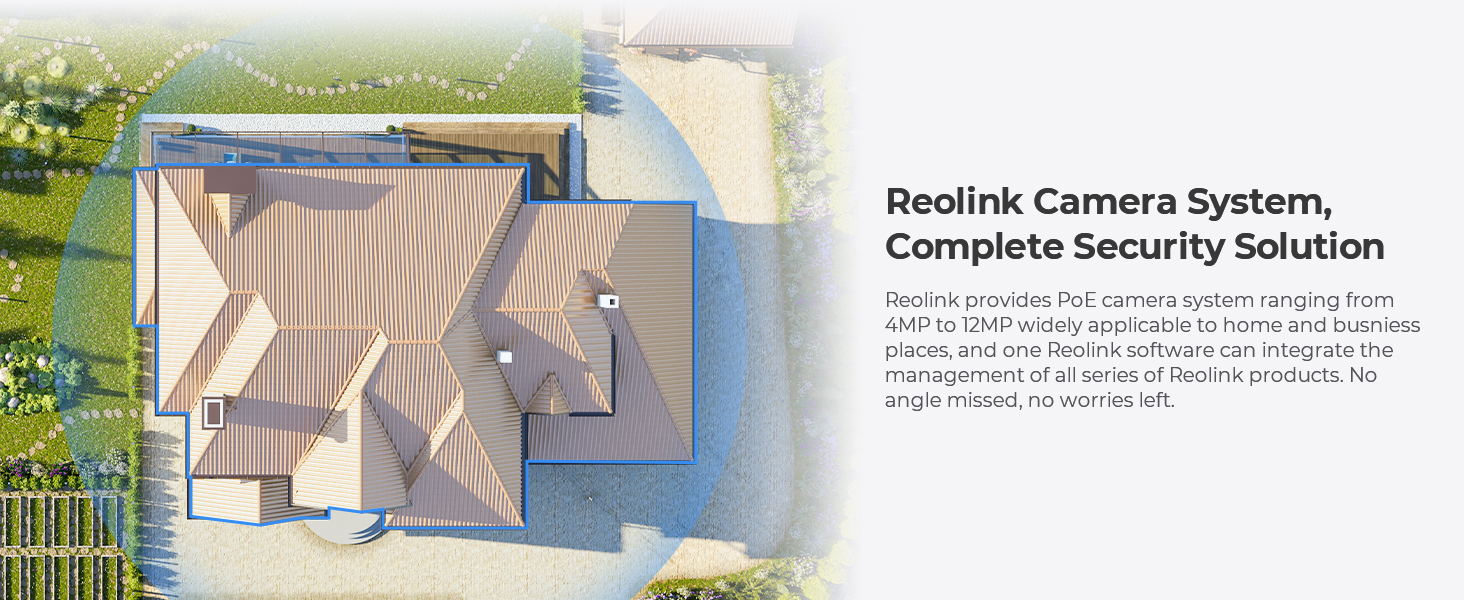
Plug and Play PoE System – A simple PoE connection makes it easier to set-up and install your home security camera system. With one single network cable, users can enjoy smooth security coverage of their entire house. This is perfect for both beginner camera users and DIY enthusiasts.
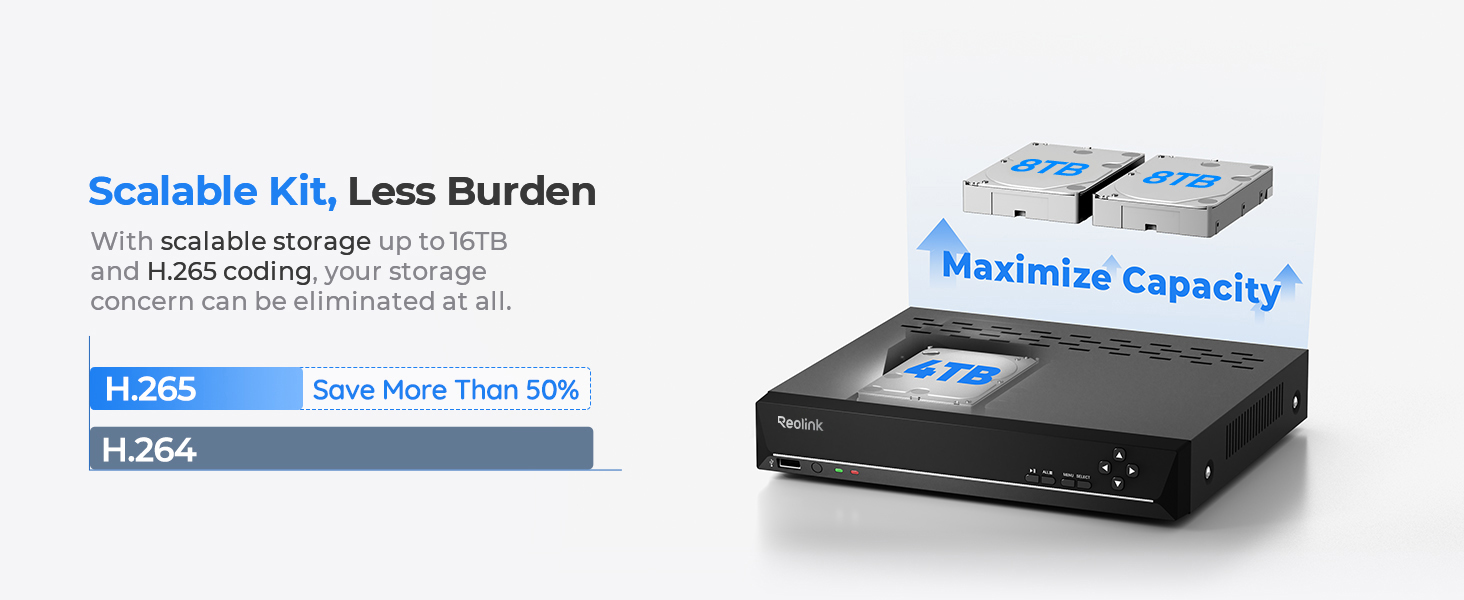
Reliable 24/7 Recording & Massive Storage – Comes with a pre-installed 4TB HDD for nonstop 24/7 or motion-triggered recording. Easily expand storage with an additional HDD (up to 8TB), supporting a total capacity of up to 16TB.
Remote Access and Playback – The free Reolink app allows you to access all your cameras remotely, no matter how many you have. Check in on your home or business whenever, wherever. Perform live views and playbacks on your smart devices (iOS, Android) via WiFi or 3G/4G connection.
How to Get the Best 4K Experience – For ultra-clear footage, ensure the camera is set to “Clear” stream mode with the highest bitrate in the settings. Viewing on a 4K monitor or TV significantly enhances clarity. If needed, contact Reolink Support for step-by-step setup.
Customers find the surveillance system’s quality excellent and appreciate its ease of installation and user-friendly app interface. The night vision receives mixed feedback – while some praise the ultraclear 4K resolution, others find it blurry for an 8MP camera. The system’s durability is concerning, with multiple customers reporting cameras failing within 12 months and the NVR lasting only two years. The field of view and noise level also receive mixed reviews, with some praising the daytime vision while others note a very narrow field of view, and while some find the system quiet, others mention it runs very loud.
User Reviews
Be the first to review “REOLINK 16CH 4K Security Dome Camera System with 4TB HDD RLK16-800D8”
$1,259.99
There are no reviews yet.