
Compact Smart Plug, Works with Alexa & Google Assistant, Smart Life App & Voice Control, Energy Monitoring, Timer Scheduling, No Hub Required, App Remote Control, 2.4 GHz WiFi Outlet, 4-Pack
$23.99
Related Products


Govee Smart Light Bulbs – A19 Color Changing, 800 Lumens, E26 Base

Kasa Smart Light Switch, Single Pole, Need Neutral Wire, HS200P3

Amazon Echo Dot (newest model) – Vibrant sounding speaker, Designed for Alexa+, Great for bedrooms, dining rooms and offices, Deep Sea Blue

REOLINK Argus PT Ultra First 4K Solar Security Cameras Wireless Outdoor




Price: $23.99
(as of Oct 20, 2026 20:58:34 UTC – Details)
Product description


Turn devices on/off hands-free using Alexa, Google Assistant

Control and check your devices anytime and anywhere you’d like

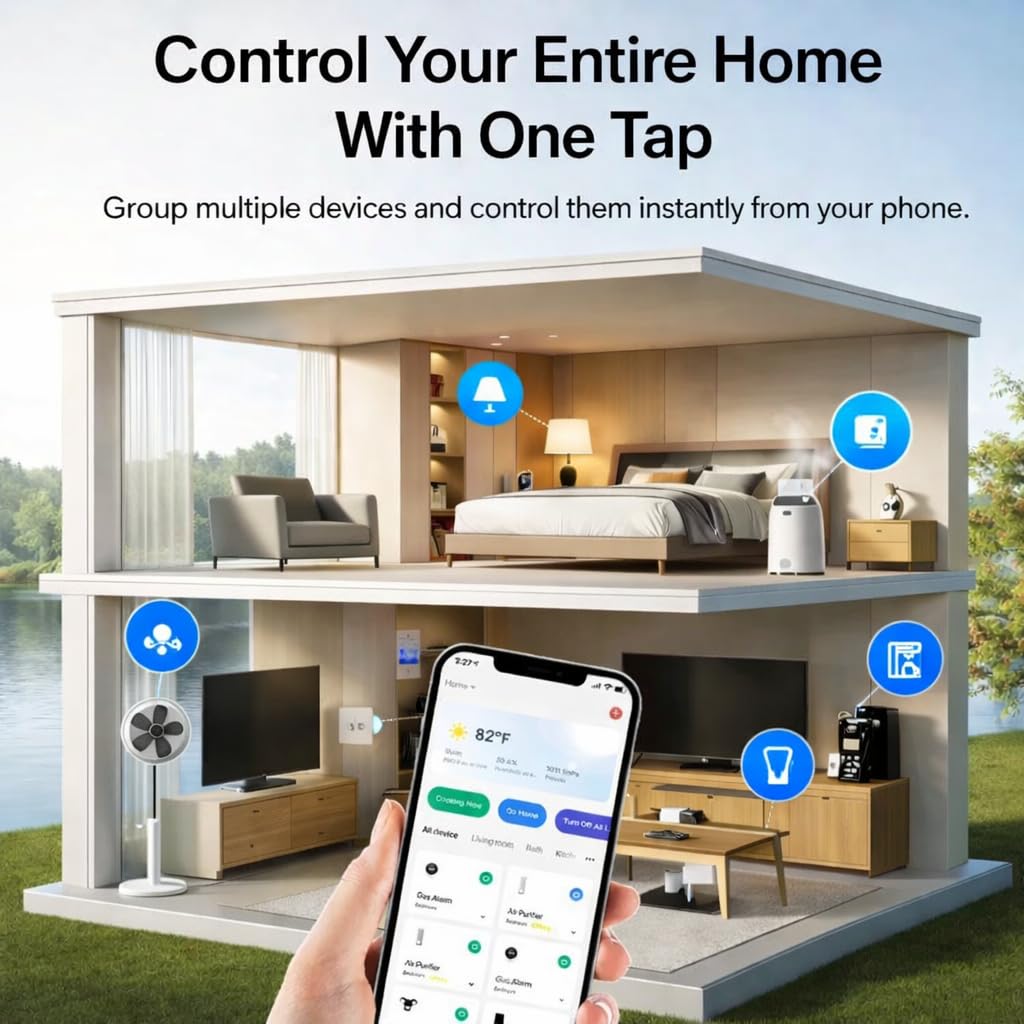
Control your entire home with one tap by grouping multiple devices and control them from your phone
1 Voice control
2 Remote Control
3 Group Control
Wide Application 


1 Connect to Smart Life
2 Connect to Alexa


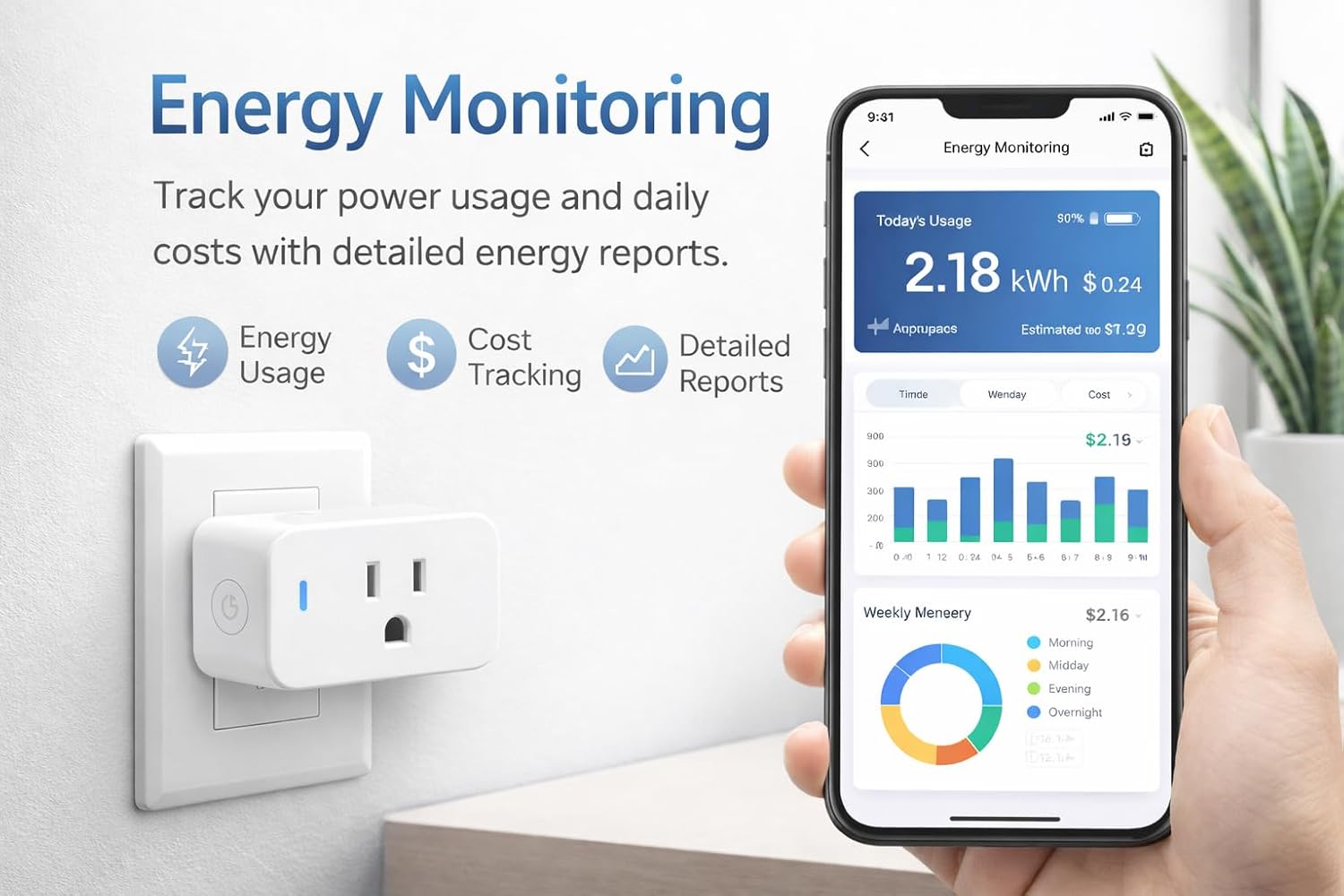
1 Compact Design 2 Network Support 3 Energy Monitoring
How to connect smart plug?
1. Download the Smart Life App and register for an account.
2. Power on the plug and ensure that the indicator is flashing.
3. The Smart Life App will automatically detect the plug.
4. Follow the prompts to complete the connection process.
How do I use the plug to work with third-party voice assistants?
1. Open the Smart Life App and connect your plug.
2. In the Smart Life App, go to “Me” > “Third-Party Services”, and select Alexa/Google.
3. Or, open the Alexa App, go to “Skills & Games”, search for “Smart Life”, and enable the skill.
My plug is connected to Smart Life, but Alexa still doesn’t work. What should I do?
1. Make sure your Alexa device and smart plug are on the same 2.4GHz Wi-Fi network.
2. Confirm that the Smart Life skill is enabled in the Alexa App and properly linked.
3. Try saying “Alexa, discover devices” to refresh the connection.
Why can’t the smart plug connect to Wi-Fi?
Make sure your phone is connected to a 2.4GHz Wi-Fi network, as the SimpleHut Smart Plug does not support 5GHz networks. Keep the plug close to your router and ensure the indicator light is blinking rapidly before pairing.
How do I reset the smart plug?
Press and hold the power button for about 5 seconds until the indicator light starts blinking rapidly. This means the plug has entered pairing mode and can be connected again through the Smart Life app.
Hands-Free Voice Control (Alexa & Google Assistant) Works seamlessly with Alexa and Google Assistant for instant voice commands. Turn devices on/off, automate routines, and control your home without lifting a finger — no hub required.
User Reviews
Be the first to review “Compact Smart Plug, Works with Alexa & Google Assistant, Smart Life App & Voice Control, Energy Monitoring, Timer Scheduling, No Hub Required, App Remote Control, 2.4 GHz WiFi Outlet, 4-Pack”
$23.99
There are no reviews yet.